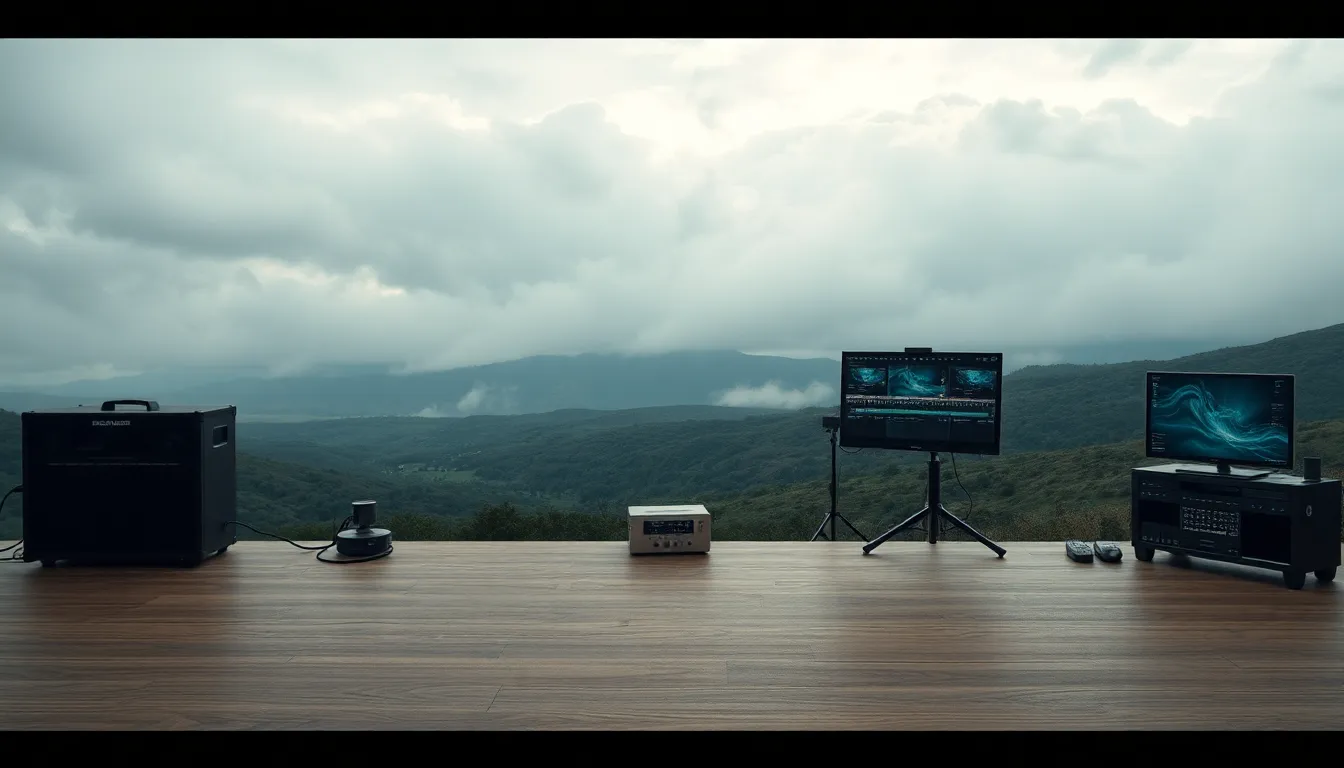
Mastering Atmospheric Effects: Creating Depth and Mood Through Compositing
I spent three years compositing product shots before I realized my images looked flat and lifeless compared to the work I admired. The lighting was correct, the color grading was solid, but something essential was missing. Then I understood: atmosphere. Real scenes have air between the camera and subject—dust particles, moisture, light scatter. Without it, even technically perfect composites feel hollow.
The Problem: When Composites Feel Sterile
Your composite might combine perfectly-lit elements, but if you’re pulling from different source photographs or studio shots, you’re likely working with clean, controlled environments. That sterility is the giveaway. Professional photographers and cinematographers build atmospheric layers into their lighting from day one. When you’re compositing, you’re essentially retrofitting that missing element.
I learned this the hard way after assembling a luxury watch composite using a studio product shot layered over a dramatic landscape. The watch sat there, gleaming and isolated—visually untethered from its environment. No fog rolled through the scene. No haze softened the distant mountains. The watch looked Photoshopped because it lacked the atmospheric glue that would bind it into the world.
Building Layers: The Foundation of Atmospheric Depth
The solution starts with understanding that atmosphere isn’t one effect—it’s multiple overlapping layers working together. I approach this systematically, building from back to front.
First, I add depth fog using solid color layers with layer masks. In Photoshop, I create a new layer filled with a slightly desaturated blue-gray (something like RGB: 140, 150, 170), set it to Screen or Soft Light blending mode at 15-25% opacity, and apply a radial gradient mask. This gradient runs from transparent in the foreground to opaque at the horizon, creating the illusion that distant elements are obscured by atmospheric haze. This single step transforms a flat composite into something with perceivable distance.
Next comes volumetric fog—the visible fog that actually occupies space and catches light. I use smoke brushes or subtle fog stock footage, positioning these elements where they’d naturally gather: low in the frame, around ground level, or following terrain contours. The key is setting these layers to Screen or Addition at 30-50% opacity. Too opaque and they look cartoonish; too subtle and you’ve wasted the effort.
Working with Blending Modes and Adjustment
Here’s what changed my work: understanding that atmospheric effects need to interact with light the same way they do in reality.
For foreground haze (between camera and subject), I use Screen mode because light passes through haze from behind the camera toward the viewer. For background atmospheric perspective (haze between subject and horizon), I often switch to Overlay or Soft Light at lower opacity. This creates the subtle color shift and desaturation that naturally occurs when looking through thick air toward distant objects.
I always add a Curves adjustment layer clipped specifically to my atmospheric layers. I’ll lift the blacks and shadows slightly—atmosphere naturally reduces contrast and fills shadows with scattered light. Reducing the curve’s steepness by 10-15% gives that soft, diffused quality authentic to real atmosphere.
The Cinematic Finish
The final layer is color temperature consistency. Thick atmosphere naturally shifts colors toward cooler tones in the distance and warmer tones in the foreground (due to Rayleigh scattering). I add a subtle warm overlay in the foreground using a Color Balance adjustment and a cool blue tone in the background. This creates visual separation and depth in a way your viewer won’t consciously notice—but they’ll feel it.
The watch composite I mentioned earlier? After adding these atmospheric layers, it suddenly belonged in its landscape. The viewer’s eye traveled through space naturally rather than jumping from a suspended object to a background. That’s the real power of atmospheric effects: they don’t just look better. They make the entire composition work harder.
Comments
Leave a Comment