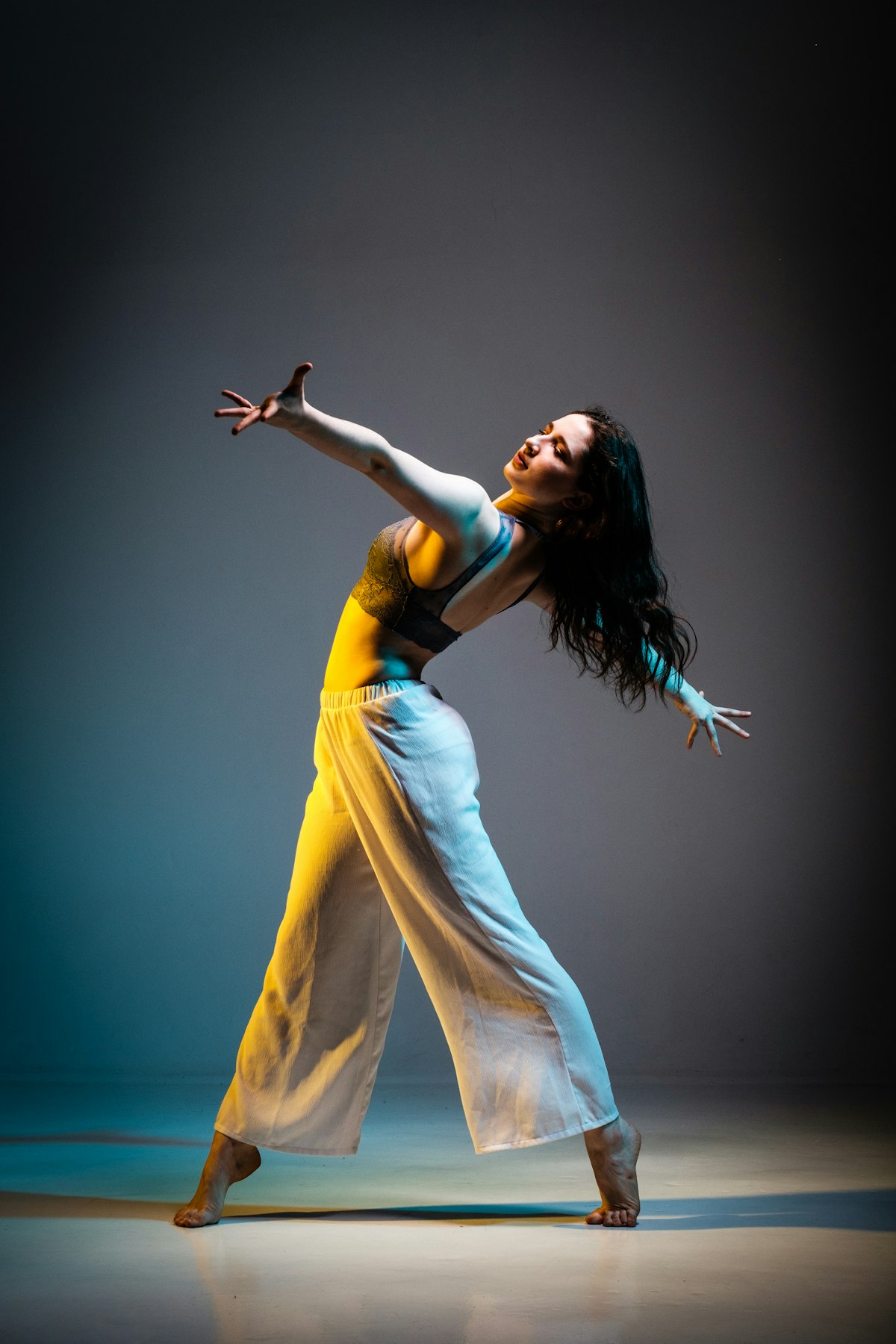
Every composite starts with a selection. The quality of that selection determines whether your composite looks believable or obviously faked. Photoshop offers multiple masking approaches, and the right choice depends on what you’re cutting out.
Quick Selection and Select Subject
Best for: Simple subjects against contrasting backgrounds. People standing against solid colors, products on white seamless, clearly defined objects.
How it works: AI-powered edge detection that identifies the subject and traces its boundary. Select Subject does the entire detection in one click. Quick Selection lets you paint across the area you want selected.
Strengths: Fast. Remarkably good at detecting complex shapes. Handles subject detection better with each Photoshop update.
Weaknesses: Struggles with hair, transparent materials, and subjects that blend into their backgrounds. The AI makes decisions you can’t control — it might include or exclude areas based on its interpretation.
Verdict: Use as a starting point, then refine with other techniques. It gets you 80% of the way in seconds.
Pen Tool
Best for: Hard-edged objects with clear geometric boundaries. Architecture, vehicles, products, clothing edges.
How it works: You manually trace the subject’s outline with Bezier curves, creating a vector path that converts to a selection.
Strengths: Produces the cleanest, most precise edges. Complete control over every point of the selection. Vector paths are resolution-independent and infinitely editable.
Weaknesses: Slow. Completely manual. Terrible for organic edges like hair, fur, or foliage. Requires skill with Bezier curves.
Verdict: The gold standard for hard edges. If the subject has clean, defined boundaries, nothing produces a better mask.
Channel-Based Masking
Best for: Hair, trees, fine detail against simple backgrounds. Anything with complex edges where the subject and background differ in one color channel.
How it works: Examine the Red, Green, and Blue channels individually. Find the channel with the highest contrast between subject and background. Duplicate it, increase its contrast with Levels or Curves until the subject is white and the background is black, then load it as a selection.
Strengths: Captures fine detail that other methods miss entirely. Hair strands, individual leaves, wispy fabric — channels preserve these.
Weaknesses: Requires a background that separates cleanly in at least one channel. Doesn’t work when the subject and background are similar in all channels. Takes practice to master the contrast adjustment without losing detail.
Verdict: Essential skill for serious compositing. When it works, nothing else comes close for fine detail.
Select and Mask (Refine Edge)
Best for: Refining existing selections, particularly around hair and soft edges.
How it works: Opens a dedicated workspace for edge refinement. The Refine Edge Brush detects and includes fine edge detail. Global sliders adjust smoothness, feathering, contrast, and edge shifting.
Strengths: The Refine Edge Brush is specifically designed for hair masking and does it well. Decontaminate Colors removes color fringing from edges.
Weaknesses: It’s a refinement tool, not a creation tool. You need a decent starting selection first. Decontaminate Colors is destructive — it modifies pixels, so use it on a copy.
Verdict: Use this after creating a selection with another method. It’s the finishing step, not the starting point.
Luminosity Masking
Best for: Selecting by brightness rather than by subject. Targeting highlights, shadows, or midtones for selective adjustments.
How it works: Ctrl+click the RGB channel thumbnail to select highlights. Invert for shadows. Intersect selections for midtones. Or use dedicated luminosity mask plugins for finer control.
Strengths: Perfectly smooth, natural transitions. No hard edges or artifacts. Selections are based on the image’s own tonal values.
Weaknesses: Doesn’t select objects — selects brightness ranges. Not useful for extracting subjects from backgrounds.
Verdict: A different category entirely. Essential for compositing adjustments (matching lighting, color grading by tone) but not for subject isolation.
The Practical Approach
Professional compositors rarely use a single technique. A typical extraction might go:
- Select Subject for the initial rough selection
- Pen Tool to clean up hard edges (clothing, equipment)
- Channel masking for hair
- Select and Mask for final edge refinement
- Manual brush painting on the mask for specific problem areas
The fastest path to a good mask is knowing which tool handles which edges, then combining them efficiently.